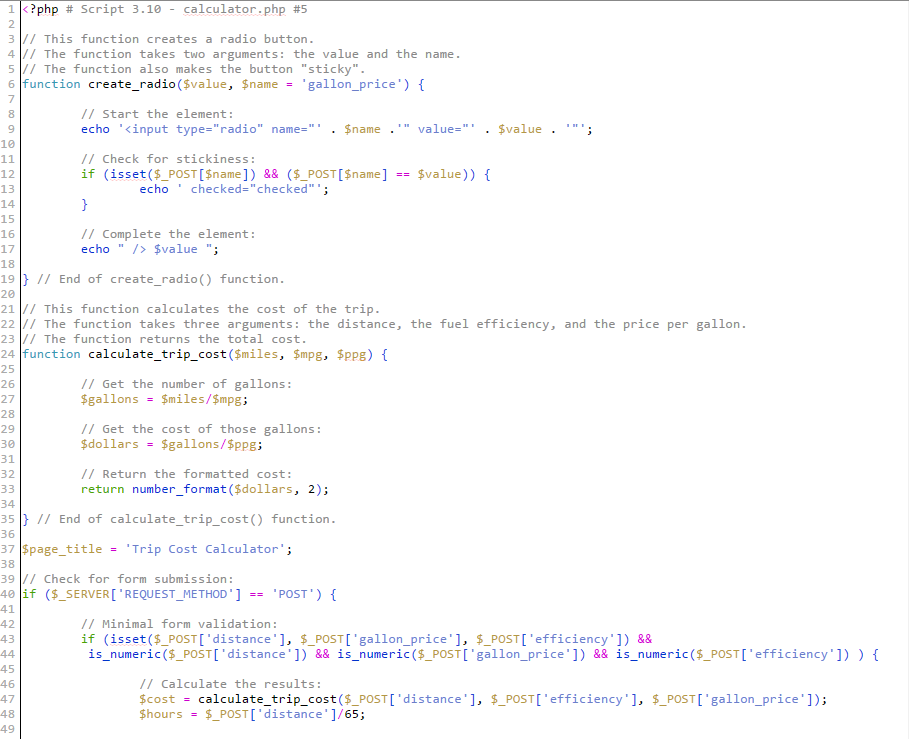
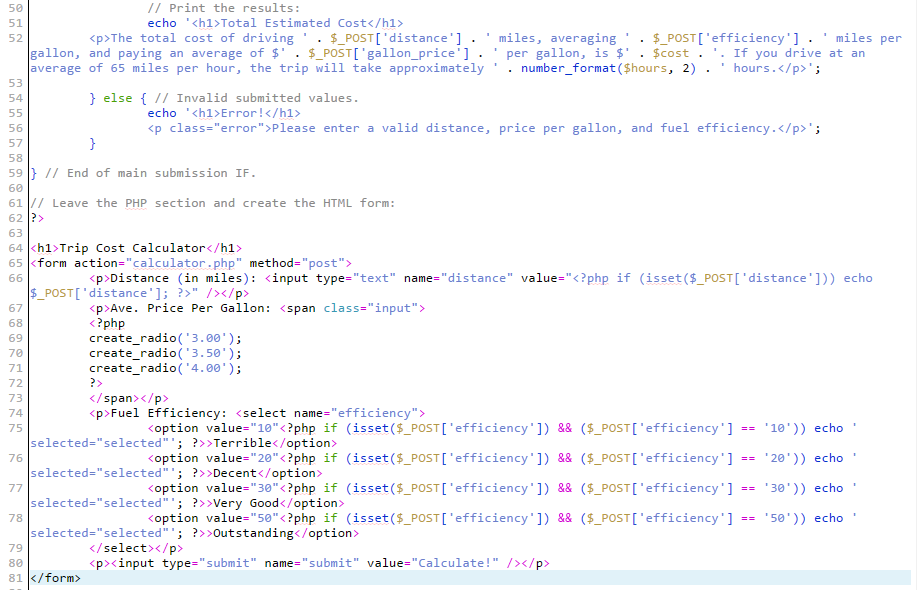
In this assignment we read chapters 1-3 of "PHP and MySQL for Dynamic Web Sites". The text included information on the fundamentals of PHP syntax, variables in PHP, HTML forms, arrays, loops, conditionals and operators, file operations, etc. With the book we were able to run some sample code, which will be showcased in the links below.
Chapter 1 Numbers Code
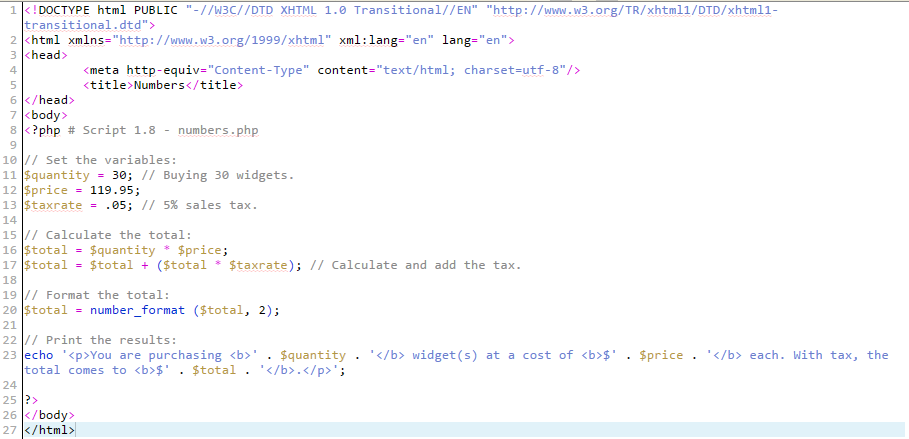
In this code, 3 variables (quantity, price, and taxrate) are given values, to be calculated. Quantity, is the number of widgets purchased, the price, is how much the widgets each cost, and the taxrate, is the percentage tax collected from the purchase, at the time of sale. The total price of the purchase is then calcuated by multiplying the quantity by price, and adding that total, to the product of the total and taxrate. The number generated from these calculations will be the final prce of the goods, and will be echoed out in a statement declaring how much the order is. Below you will see the source code used, as well as a link that will show you the output of the code.
Chapter 2 Calendar Code
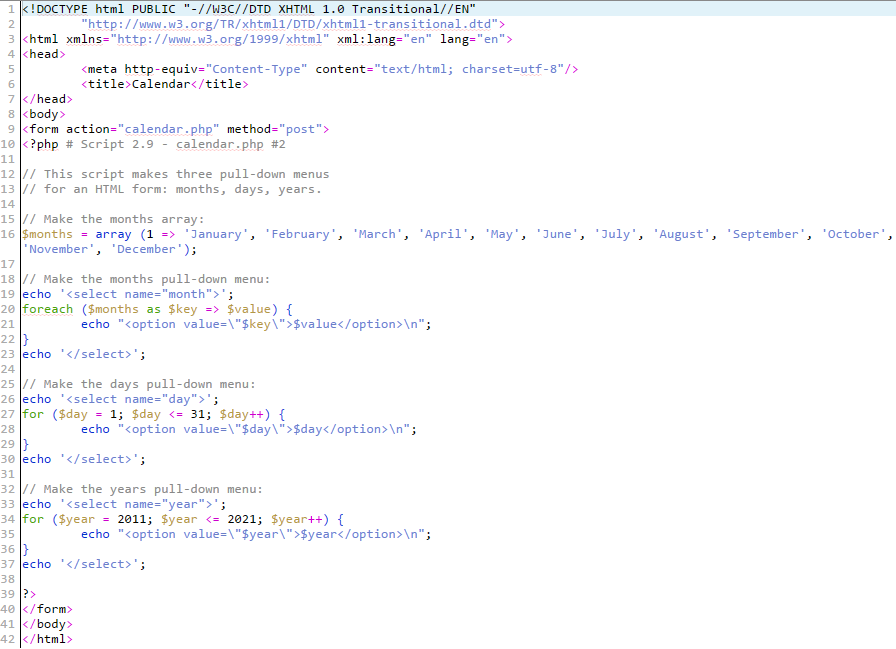
This code creates a dropdown box for date, month, and year, in order to display a certain date. This is done with the use of various arrays. First, a months array is created, with a string value for each of the 12 months in the year. The pull down menu for the months is then generated using a "foreach" loop. A foreach loop is then created for days and years, as these can be defined as integers, and use the $++ property to add one to th value prior, and generate the days and years going up in chronological order. Shown below is the source code used, as well as a link to the code's output.
Chapter 3 Fuel Calculator Code
With this code, a user is able to calculate how many hours it would take to drive somewhere based on distance to the destination, average price per gallon, and the level of fuel efficiency. This is achieved by making calculations in the code, and by gathering data from the user with use of a form, through a radio, dropdown option box, and an HTML Textbox. The source code is shown below, as well as the link to the calculation form.